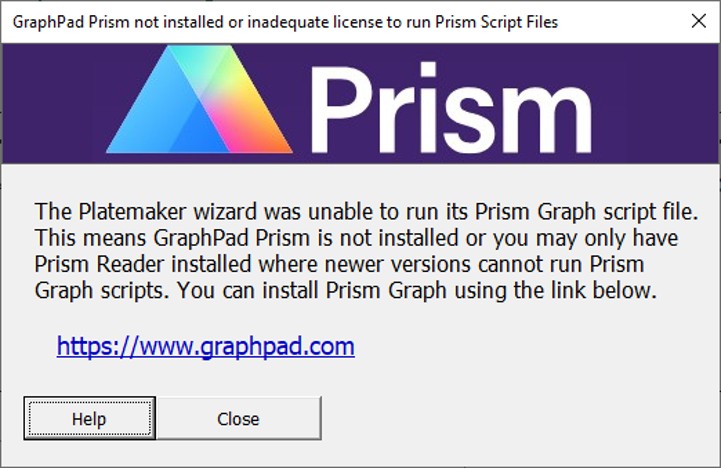
If from the Create Graphs form with GraphPad Prism selected, you click the Generate Graphs button, and either GraphPad Prism is not installed, or you only have an unlicensed version of the software then the following dialogue box will be displayed.
Figure 1: The dialogue box that appears if you attempt to run Generate Graphs in Prism Graph mode, but you do not have a licensed version of Prism Graph installed on your machine. Clicking on the blue website link will take you to the GraphPad Prism where you can install and purchase a copy of the Prism Graph program. One you have installed and registered GraphPad Prism, the Platemaker Wizard will be able to generate Prism Graph files from the Statistical summary tables you create inside your data workbook.
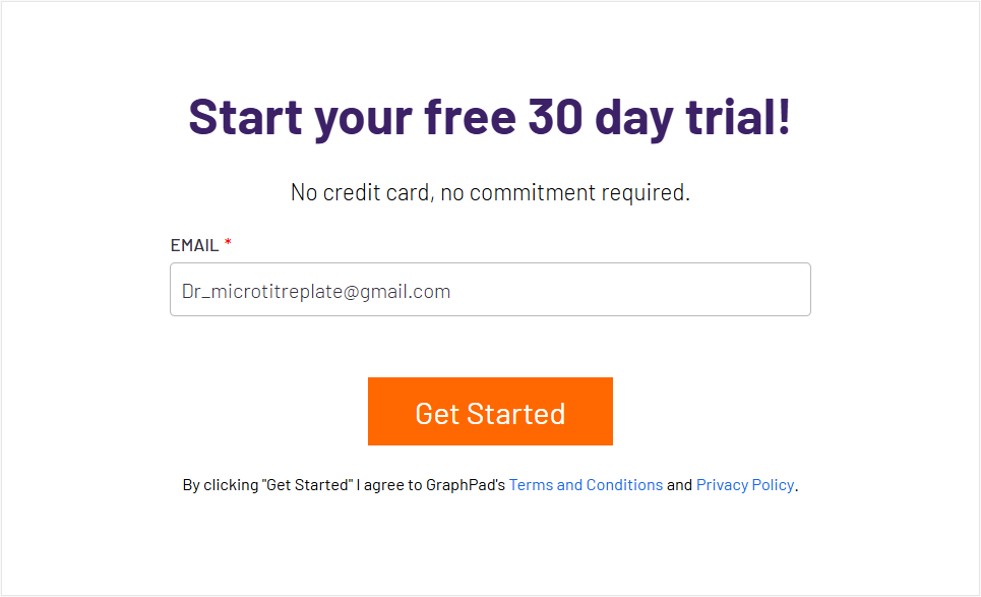
Note it is possible to request a 30-day free trial without having so submit credit card information so you could use this option if you want to see how the Platemaker Wizard can work with Graphpad Prism.
Figure 2: Trial offer copied from the Graphpad Prism website in August 2026.
This video describes converting the Platemaker Wizard from a trial to full version of the software by purchasing a one-off lifetime license for one computer.
This video covers page 1 of the Create new Data Entry Workbook Wizard. The tutorial also explains how the wizard helps generate Excel formulas based on measured variables that have been defined on page 3 of the wizard.
This video covers page 2 of the Create new Data Entry Workbook Wizard. This tutorial describes the meaning of a combinatorial and linear link, the effect of changing linking order and the use of the pause build function to make changes to the flat data table before the container workbook build is completed.
In this video we continue exploring Page 2 of the wizard. We learn how to take drug name data from another Excel workbook and import it into the independent variable value list box. We also explore the various functions on the return data dialogue box that control how a 2D matrix of data is collapsed into a single list column.
This video covers several important details that determines how plate controls are defined (page 3) and how the controls are arranged on the plate (page 3 and page 5).
This video practices creating a new workbook from scratch particularly focusing on page 5 of the create new workbook wizard. The tutorial covers sub-plating areas, page 5 plate map and container workbook options, and how new plate per experiment affects plate controls.
This video shows the necessary settings to replicate the creation of a 384 well plate with a robotic 96 well channel head along with adding plate controls by modifying the partially built Flat Data table.